What do furniture thumbnails show in your shop?
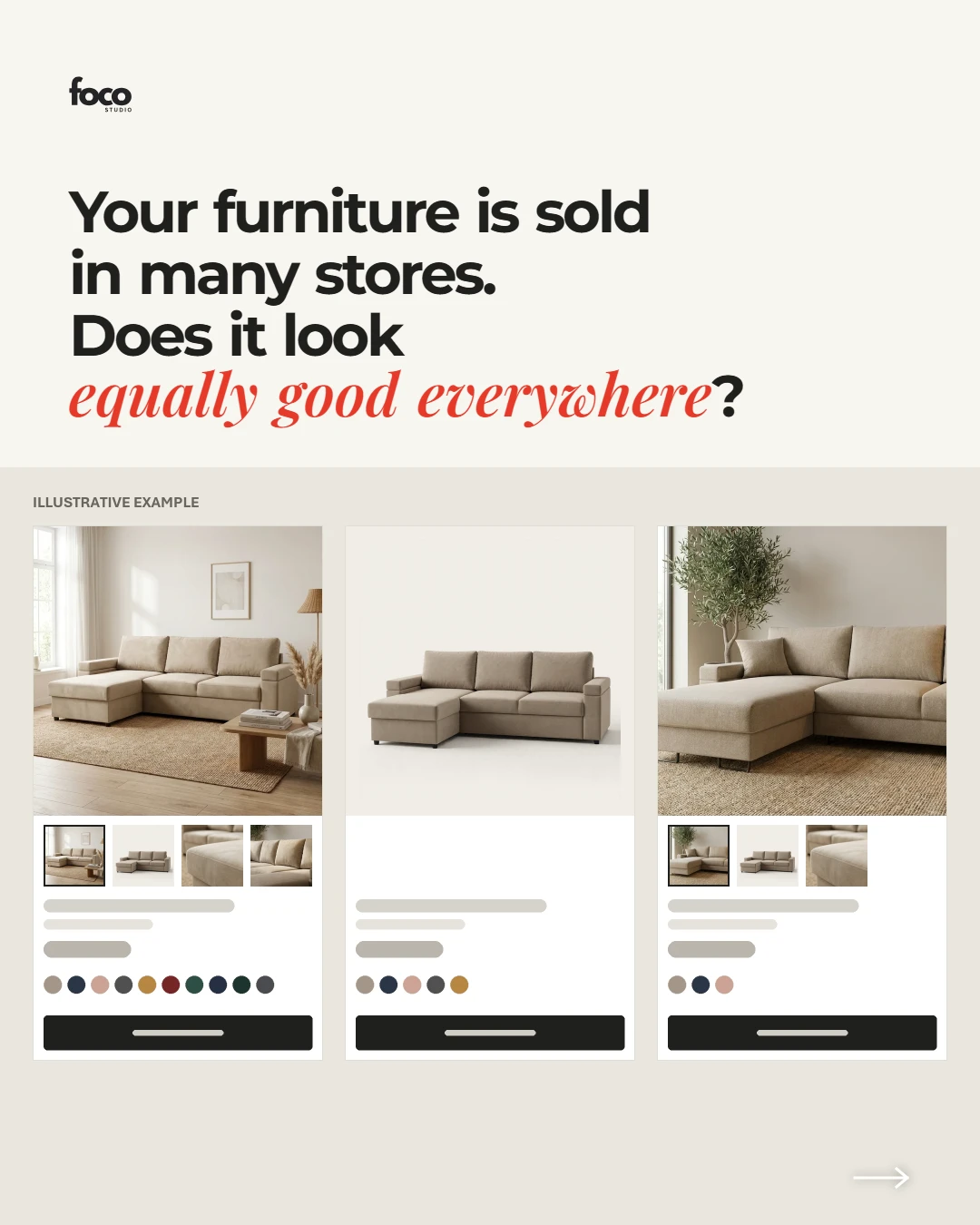
Open a corner sofa category on your phone. You see several products, names and prices. Before opening a description, the small images are your only view of their shape and colour.
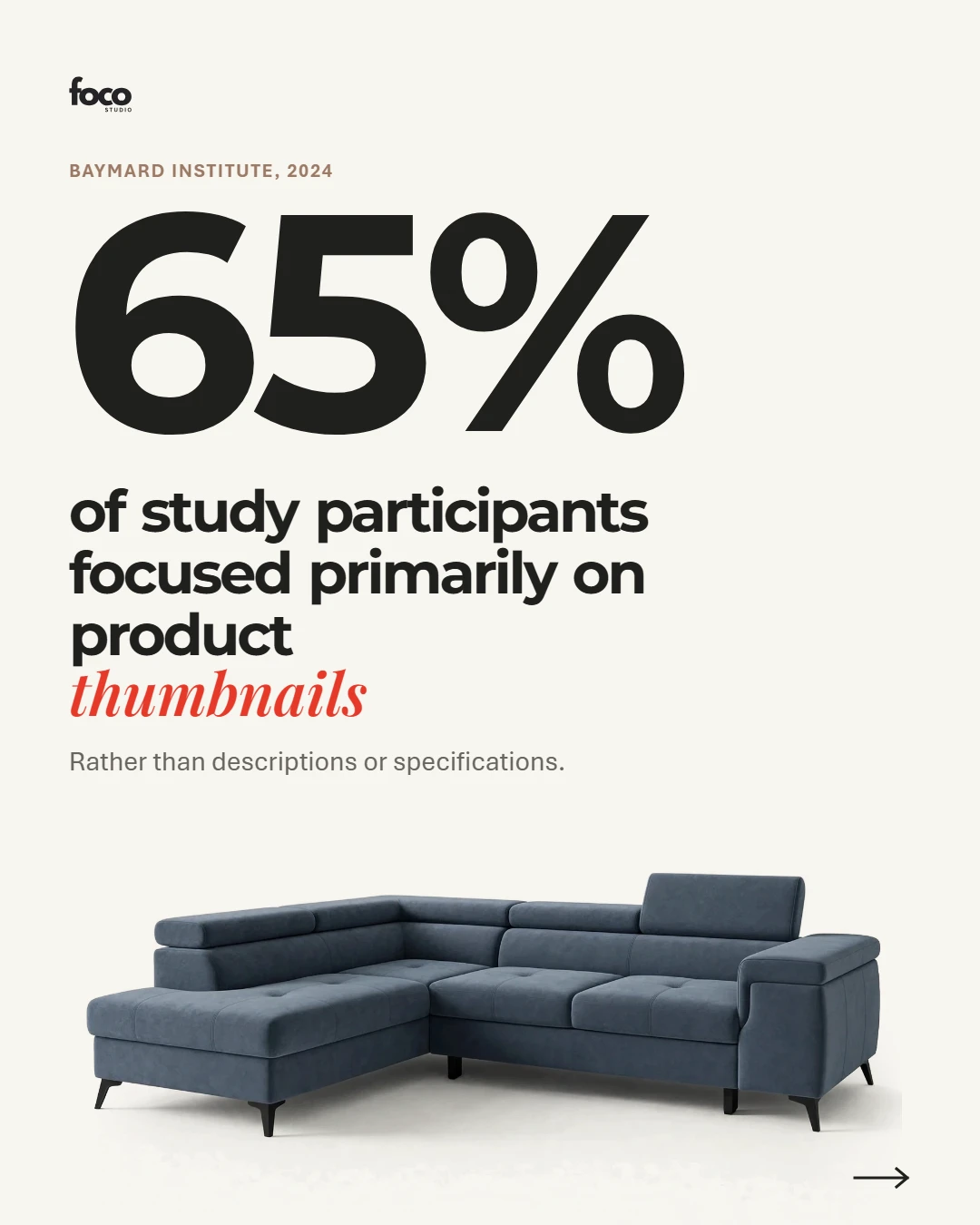
A thumbnail should let customers recognise the furniture and make an initial assessment of its appearance. If it shows a small or heavily cropped part, some information only becomes available after opening the product page. Start your image review at the size actually used in the listing, particularly on a phone.
What can customers recognise without opening the product page?
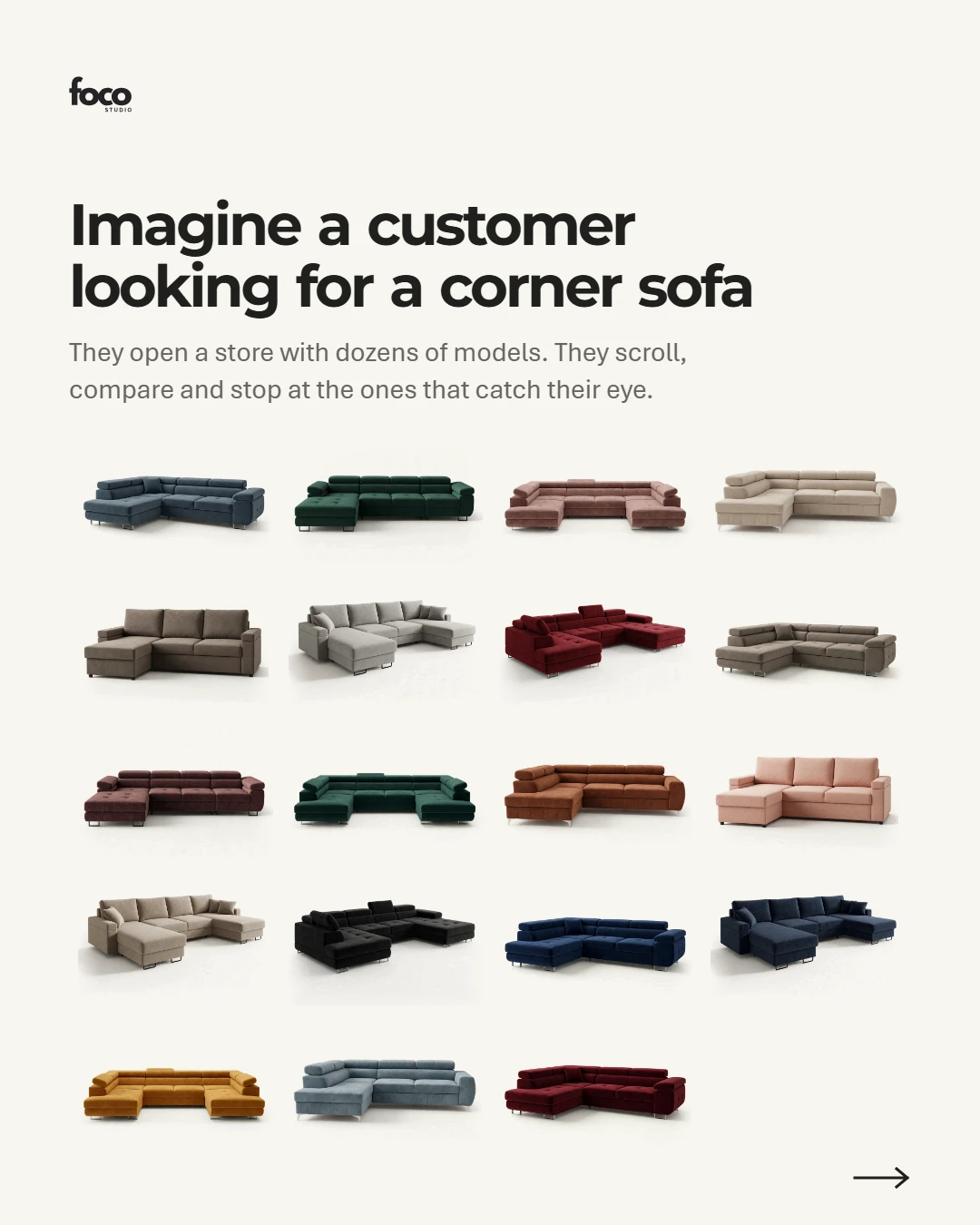
Look at the thumbnails at the size shown by the shop. Customers can compare the sofas' overall shape, colour and visible configuration. Fine stitching or the appearance of a leg may already be too small to read. A listing and a large product image provide different levels of information.
When preparing the images, check the reduced version beside the other models. Can the product still be recognised? This is a separate check from examining detail in the full-resolution file.
What does the Baymard research show?
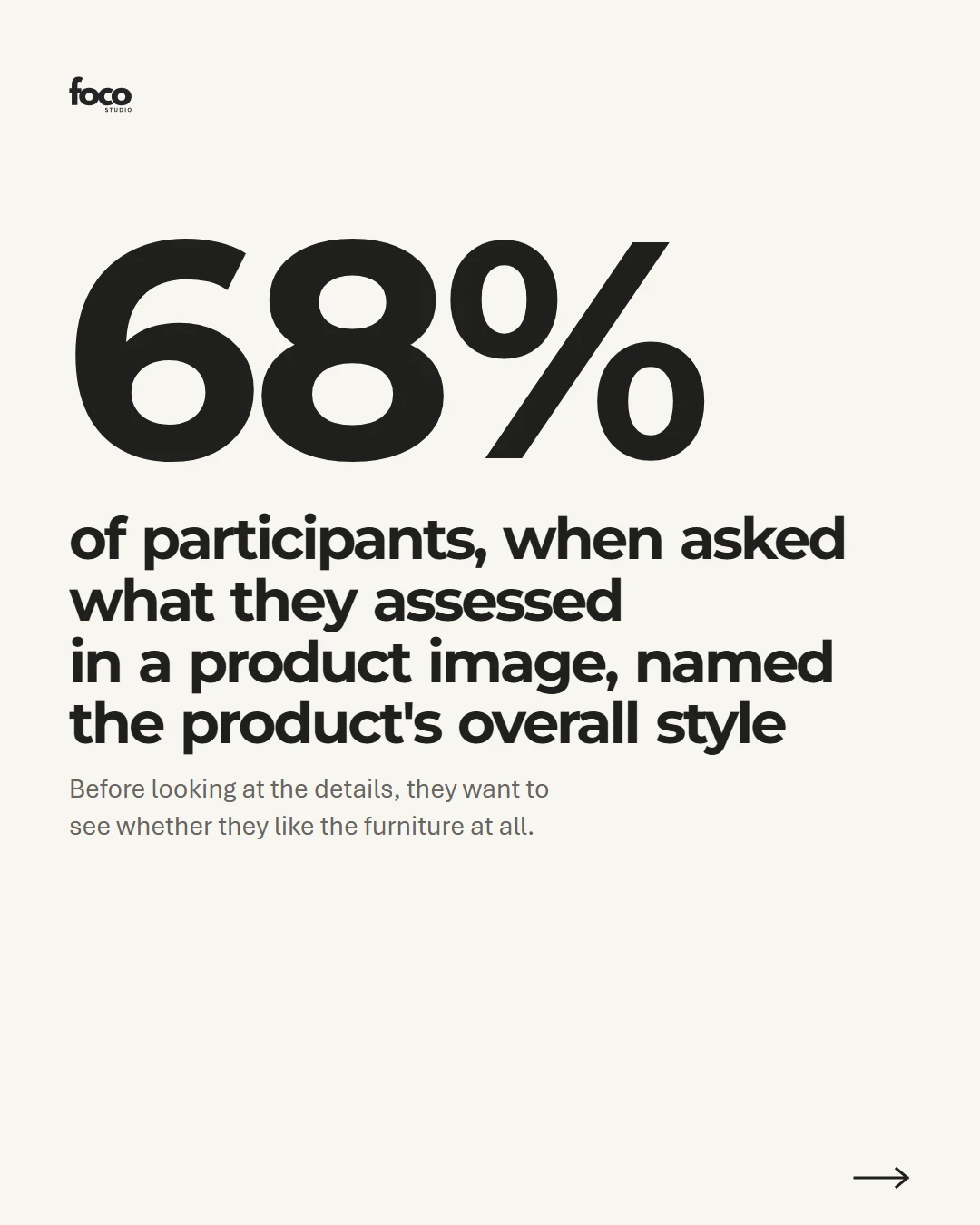
In usability testing of furniture and home decor websites, 65% of participants prioritised thumbnails over the other parts of an item when browsing product lists or search results. When asked which aspects of the image they were assessing, 68% identified the product's overall style.
The findings were published in December 2024, based on qualitative research involving 16 US retailer websites. These percentages describe participants' browsing behaviour, not a change in sales after replacing images. Source: furniture and home decor UX research.
Is the furniture readable at a small size?
Check a photo as a thumbnail even if it looks good on a large monitor. Is the whole product visible? Can you distinguish the armrest shape and seat layout? Does light upholstery blend into the background?
Product size within the frame also matters when comparing models. If one sofa almost fills the image while another is surrounded by empty background, it is harder to compare their appearance quickly.
Check how the shop actually crops the files. A square thumbnail may cut off the legs or outer ends of a wide corner sofa, even when the original image contains the whole piece.
What information is missing from a single thumbnail?
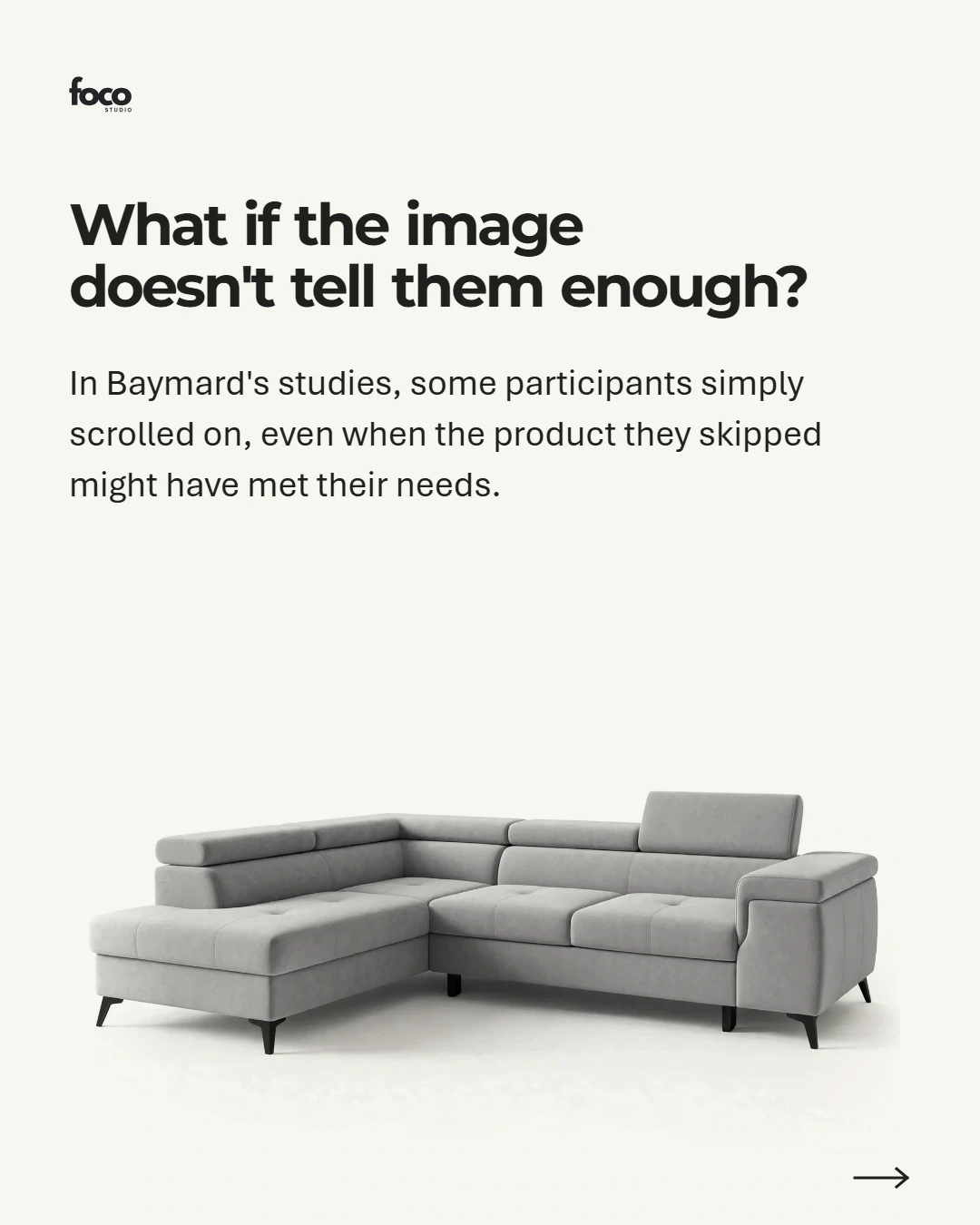
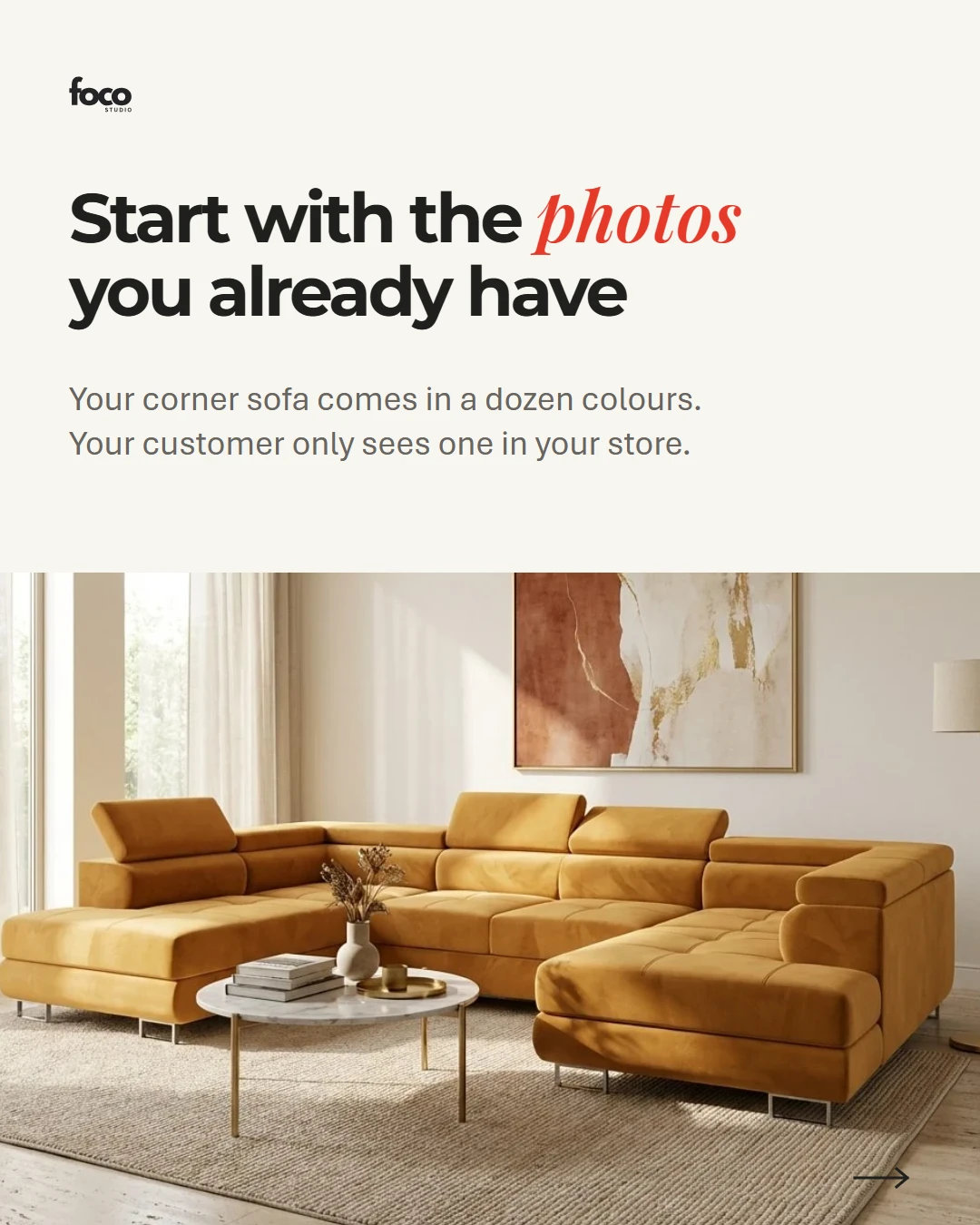
A front view may show the shape without explaining the appearance of the back or the sofa-bed function. An upholstery close-up helps show the weave, while a room setting places the product in its surroundings. Choose additional images to answer questions about the specific model.
Missing dimensions need a readable drawing or product data. A room image alone does not give the sofa's exact width. When reviewing the gallery, distinguish a missing view from information missing in the description.
What do additional views provide?
Baymard recommends making at least three product thumbnails available in the listing or search results, including the main image. In testing, one or two images were sometimes insufficient to assess whether a product was suitable. Source: guidance on additional thumbnails.
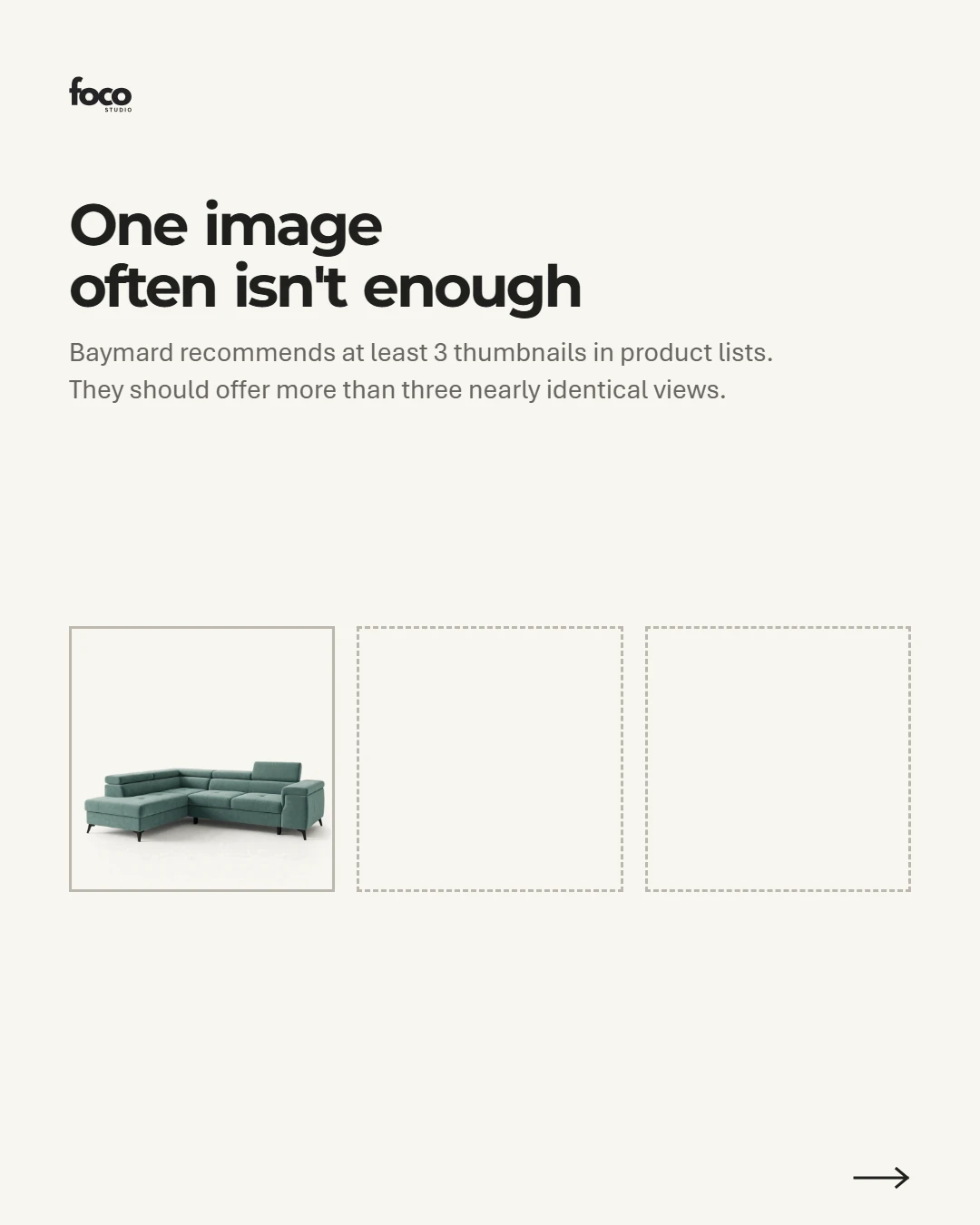
Choose images around the information customers need. A corner sofa set might assign different jobs to each view:
| View | What it shows | What to check at thumbnail size |
|---|---|---|
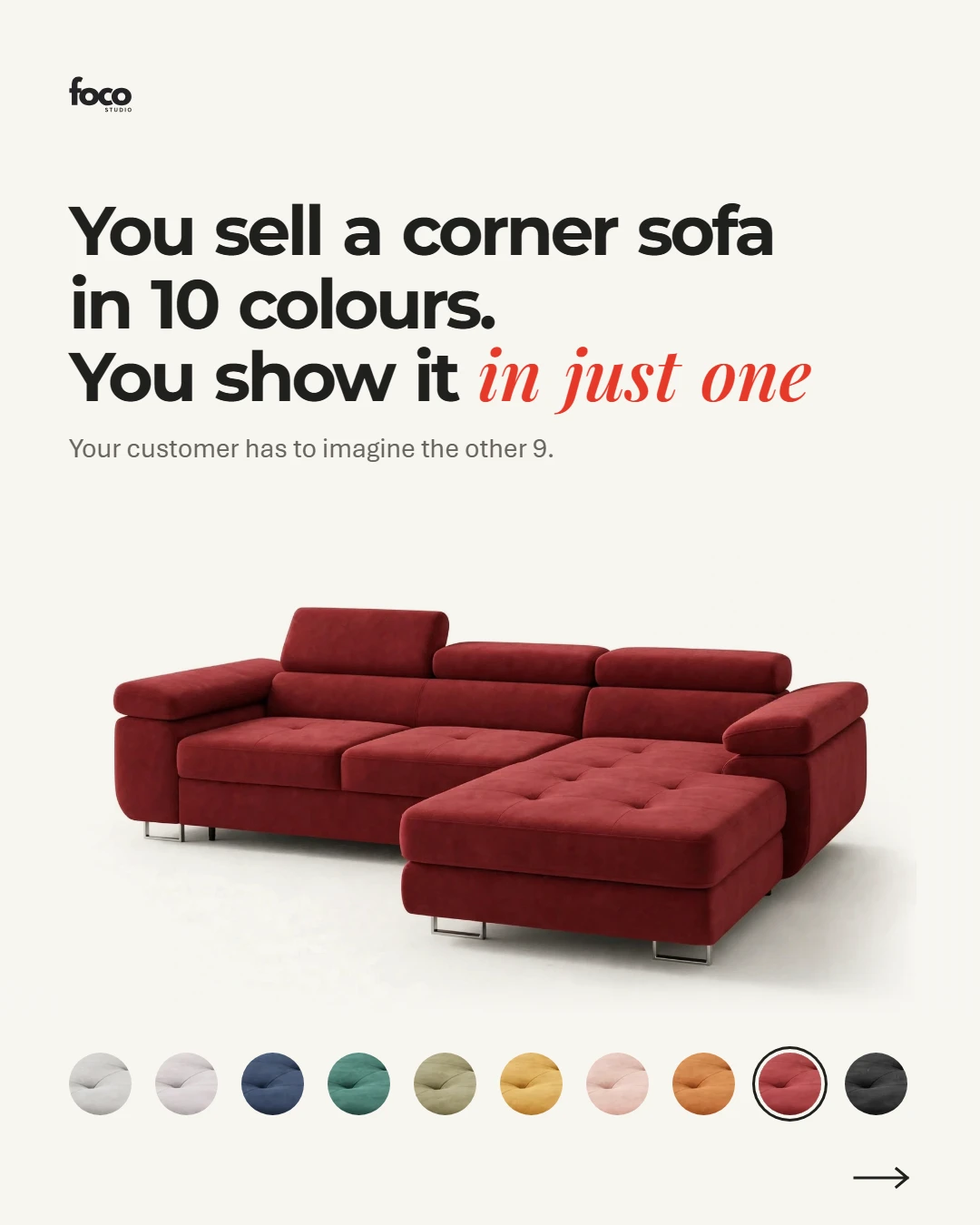
| The whole sofa on a light background | Shape, configuration and seat layout. | Do the legs and outer ends fit inside the frame? |
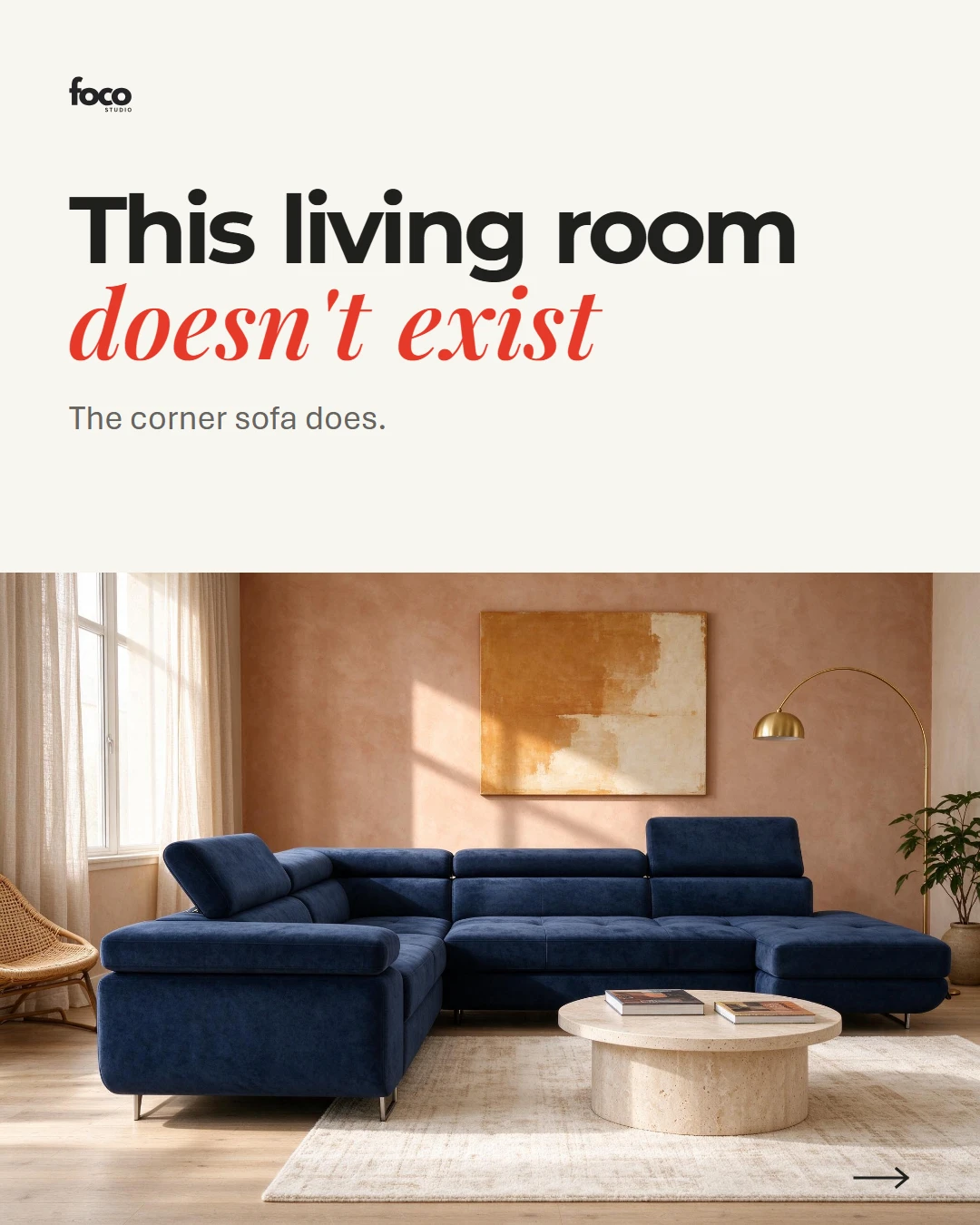
| The sofa in a room | Upholstery alongside other materials and accessories. | Is the product large enough to recognise? |
| A detail | A selected part of the upholstery or finish. | Is it clear which part is shown, and can it be examined? |
If the sofa-bed function or rear view matters more, use an additional image for that feature. Several similar front views will not show what the sofa looks like when opened out.
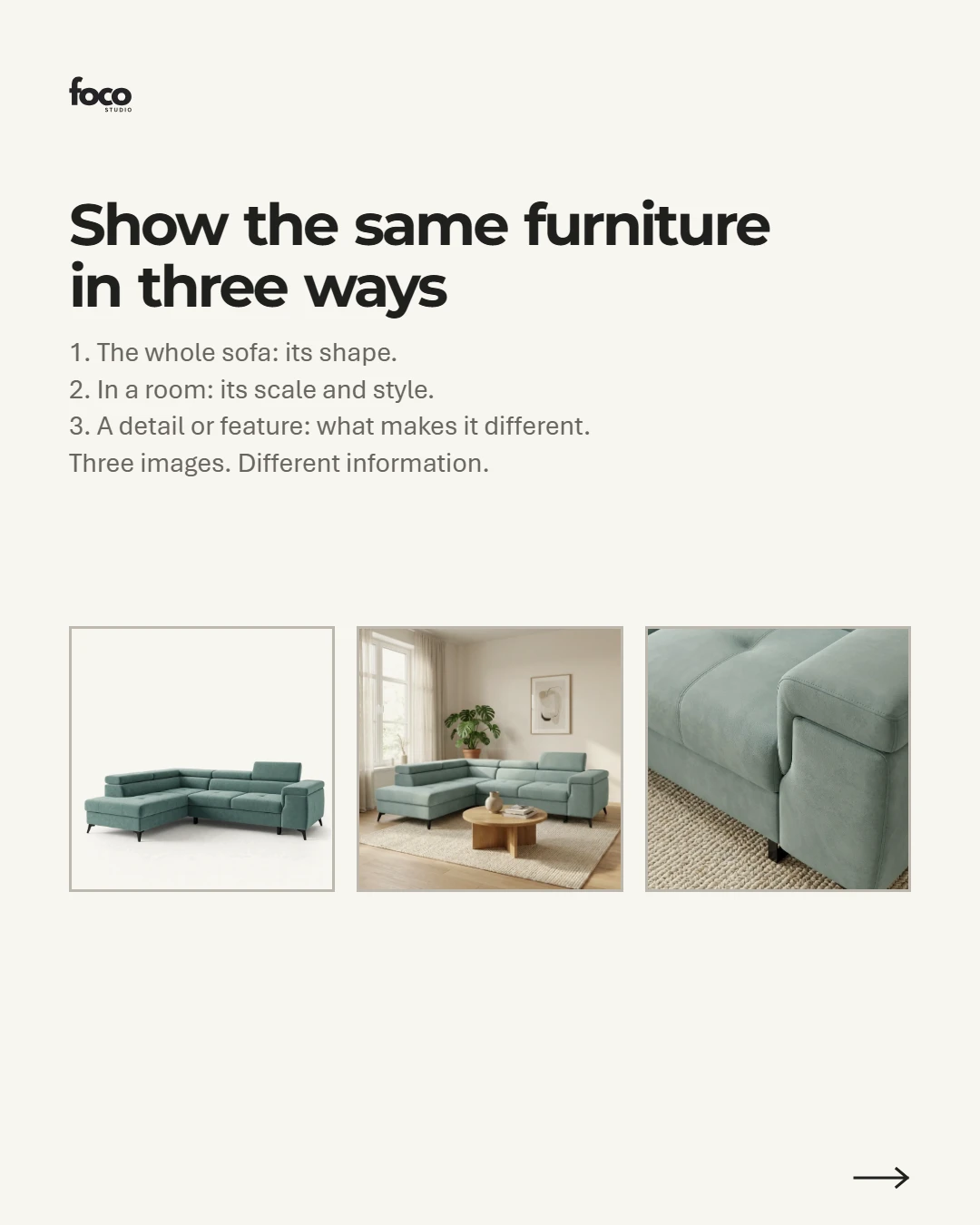
The whole sofa, a room setting and a detail are FocoStudio's suggested selection. Baymard recommends access to at least three thumbnails; we choose their contents to suit the product.
Check the experience on a phone
Additional photos need to be easy to find. If they only appear on desktop when a pointer hovers over the image, check separately how the same feature works on a touchscreen.
Browse several products without opening their pages. Check whether you can find further views and whether swiping the photos makes the product list harder to browse. Then open a product and check that the photos still match the selected variant.
What does the manufacturer prepare, and what does the retailer control?
The manufacturer can supply complete views, correct variants and files in the agreed aspect ratios. The retailer assigns them to products and decides how further images are made available in the listing. Several files in a product gallery do not necessarily mean they can be viewed without opening its page.
At FocoStudio, we prepare the images for these sets. We need to know where they will be used so we can choose the compositions. If the shop has specific thumbnail cropping rules, provide them before work starts.
A quick review of your own category
Choose several models and check:
- whether the thumbnail shows the whole product at a readable size;
- whether the composition suits the shop's image aspect ratio;
- whether additional views show different features;
- whether they are convenient to browse on a phone;
- whether the images and variant names agree.
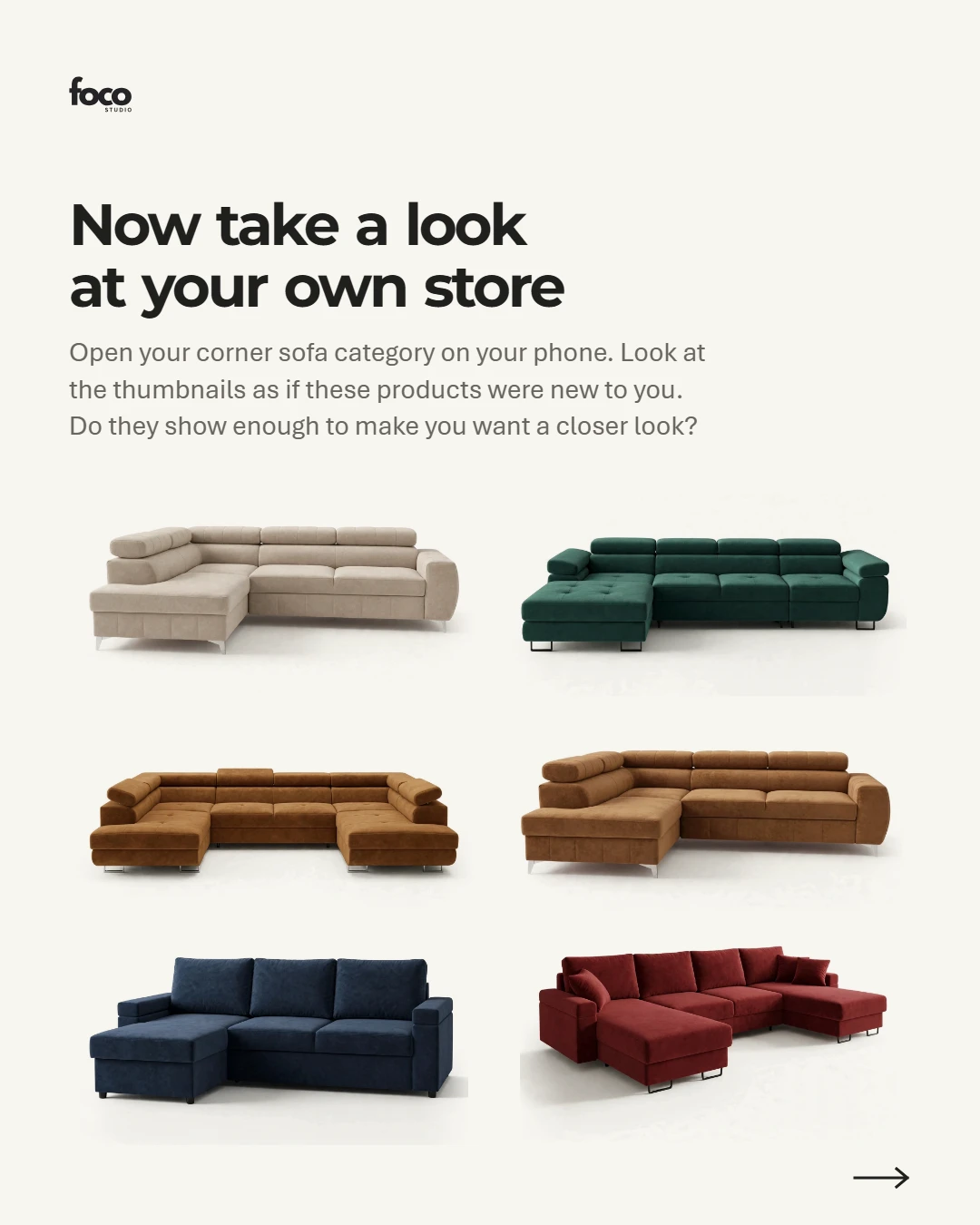
If views are missing, plan to add them for selected models. We cover colour variants and furniture details in separate articles.
Sources for the thumbnail research
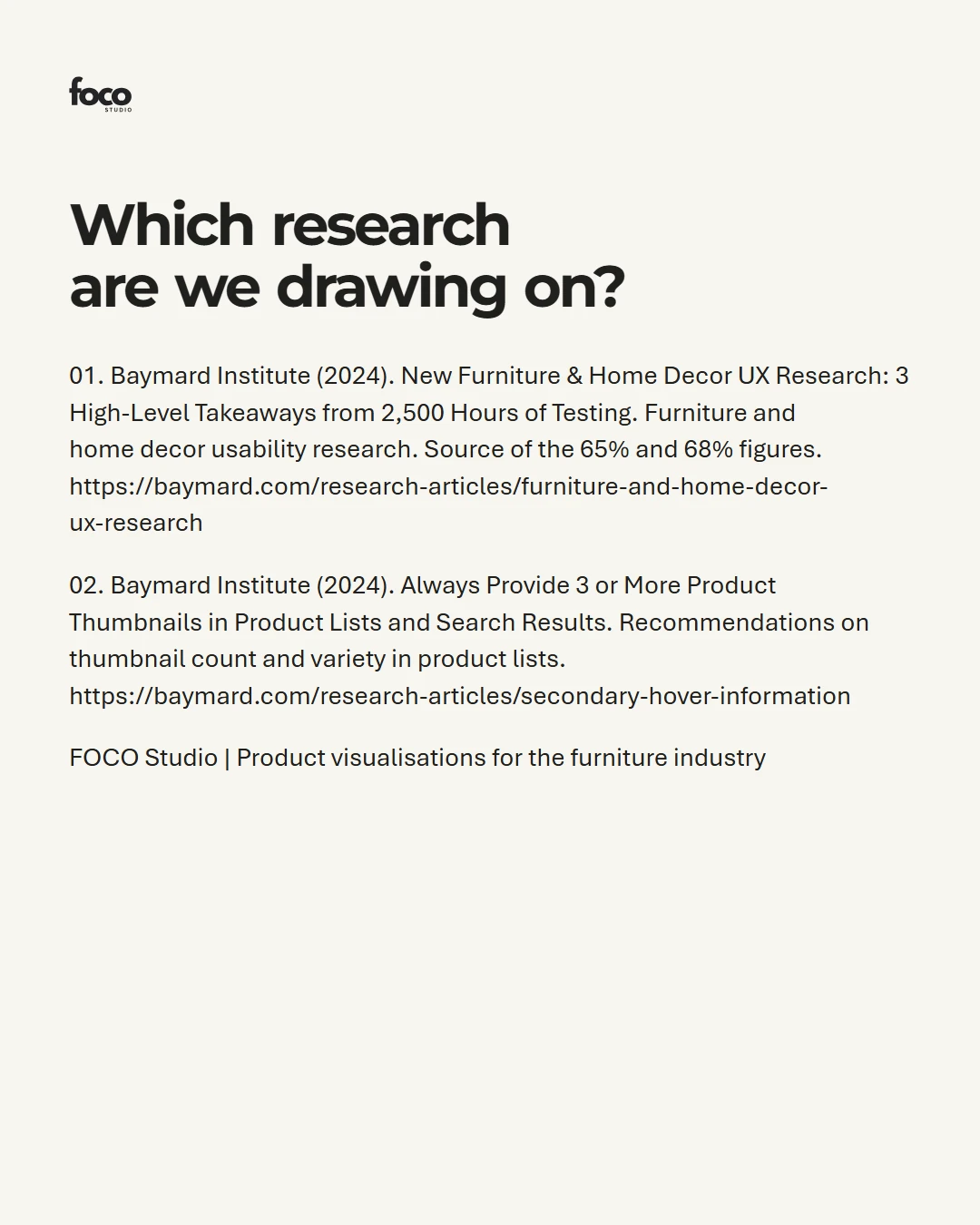
This article draws on two Baymard publications:
- The 2024 furniture and home decor UX research provides the 65% and 68% findings. The first concerns thumbnail priority while browsing a list; the second concerns what participants assessed in an image. Neither measures a sales increase.
- Guidance on providing at least three thumbnails in lists and search results concerns access to further views without opening every product page.
The 2024 study covered 16 US websites. It is external usability research, not a study of Polish customers conducted by FocoStudio. Your own listing and image controls still need checking in the context of the shop.
Send examples of your current product presentation and tell us which images you need for the shop.